How to run open source NSFW models locally? A step by step process for people interested to run NSFW AI Models that are open source and let it create content for you without paying.
Do you get annoyed every time a mainstream LLM refuses to respond to a question? Or do you want to develop a customized NSFW model that answers without flagging? If so, this article is a perfect guide for you.
A few decades ago, developing a customized large language model on your own machine required a huge research lab and an entire rack of servers. Nowadays, it takes a single day and a reasonable computer to start an open-source NSFW LLM.
Modern tools like Ollama and LM Studio are just a click away, handling all the technical stuff so you can focus on setting up the NSFW model rather than configuring it. Continue reading to understand everything about setting an open-source, uncensored LLM model.
What is an NSFW Open-Source LLM model?
If you are about to launch an uncensored personal LLM model, you probably know what it is. An open-source large language model is one whose weights are publicly released, allowing everyone to use them. To make the responses uncensored, either the safety alignment of these models is removed, or they are never trained or have been fine-tuned specifically.
Instead, an NSFW LLMs is developed to respond to explicit sexual content, mature themes, or other categories that mainstream models decline. To put it simply, “open source” means the LLM is publicly available to use, and “NSFW” means it is trained to respond to adult topics.
Why Run an Open-Source Uncensored LLM Model?
Before we learn how to start an NSFW large language model, let’s see how it can benefit you as a user. The following is the list of advantages:
1. Content Freedom
Unlike mainstream LLMs like ChatGPT, an NSFW LLM gives you the freedom to talk about anything. Whether you want to explore your fantasies, enter a romantic AI relationship, or simply build a deep connection, an uncensored model lets you do it all without flagging any response.
2. Privacy
Using a cloud-based AI service means your chats can go through multiple servers. However, when you want to engage in private conversations, privacy is the biggest concern. Creating a personal NSFW LLM gives you the assurance that your private conversations remain confidential.
3. No Premium Subscriptions Costs
For access to premium responses, most mainstream LLMs require you to buy subscriptions or tokens. Developing your own local model allows you to run as much as you want and as fast as your hardware allows.
4. Full Control
Since you are building a local open-source setup, you have the authority to decide which weights to keep and which to remove. In order to launch an NSFW LLM, you can either remove your model’s safety alignment or not train it at all. Basically, you are not dependent on any model updates, feature changes, or response standards.
Potential Risks Involved in Running an Uncensored LLM
Along with benefits, there are also some drawbacks to launching an open-source NSFW model. The following is the list of potential risks you must be aware of:
A. Legal Problems
Generating content in certain explicit categories may expose you to legal consequences, depending on your local jurisdiction. For example, conversations and content involving minors are illegal regardless of your location.
B. ,No Content Safety
Yes, an uncensored model gives you content freedom, but it also cannot distinguish between adult fiction and harmful instructions. The same model that allows sexual content also removes resistance to generating dangerous instructions or targeted harassment.
C. System Costs
Running a private local LLM requires a significant investment. A model that is good enough to produce realistic responses needs at least 8 GB of VRAM.
What Hardware Do You Need To Build a Local NSFW LLM
Most online guides either overestimate or underestimate the basic hardware needed to start a local LLM. It is true that you do not need a $10,000 workstation, but a reasonable amount is required to ensure a strong, fast-speed model. Let’s start evaluating.
The Graphic Processing Unit (GPU)
The most important hardware component for creating a local, uncensored model is your system's GPU VRAM (video memory). The more VRAM you install, the faster your LLM runs. Here is a practical breakdown:
4–6GB VRAM: This is the bare minimum to run small models. Can be used at the entry-level for experimentation.
8GB of VRAM: It is the practical minimum requirement for good graphics performance. 8GB of VRAM runs 7B models comfortably and may handle some quantized 13B models.
12–16GB VRAM: Most recommended size. It runs 13B models well and handles some 30B models in quantized form.
24GB VRAM: The best for high-quality visuals. It runs the responses without compromise and easily handles 70B models in heavily quantized form.
RAM
This one is obvious. Especially if your model does not fully fit in VRAM, it offloads layers to RAM. The speed of your LLM is directly proportional to your RAM. Your system must have at least 16GB of RAM; however, 32GB is suggested for most setups.
Storage
Standard storage is another important hardware requirement for your LLM. A 4GB storage can support a small quantized model, and it can go up to 40 GB+ for larger models.
For CPU Only Users
If you don’t want to invest in a GPU, you can just run LLMs on the CPU. It will still work, just not as fast. A 7B LLM on a modern CPU might generate 5–10 tokens per second, rather than 50–100+ tokens per second on a good GPU.
Top Two LLM Tools You Need to Launch a Local Model
There are a lot of open source models but there are a few open source platforms where you can run an NSFW Local model. The top among them is Ollama.
Although there are several LLM tools that can handle the technical side of your uncensored model, let us tell you about the most reliable ones. The following are the two most practical entry point tools to use in 2026.
1. Ollama: Top Open Source LLM running platform:
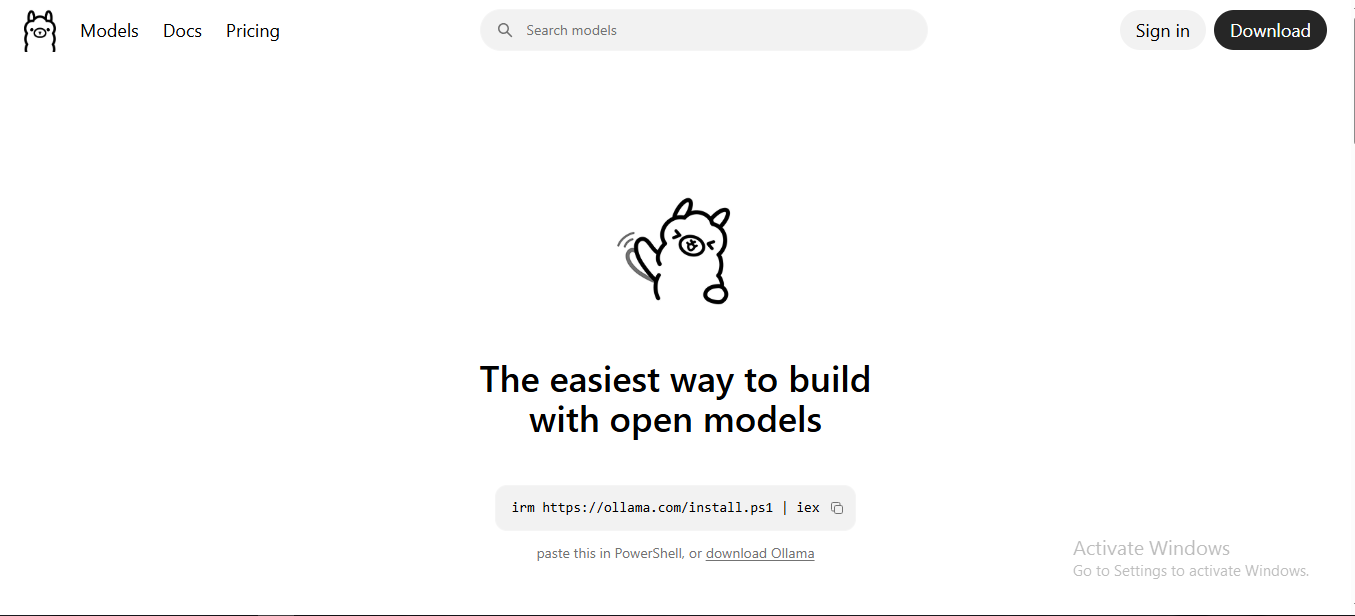
If you want to launch a local NSFW LLM without paying a subscription fee or connecting to an API, Ollama is a credible option. It is a command-line tool that can download and run an open-source model with a single command.
Ollama automatically processes model downloads, detects hardware, and serves it through a local API. The tool is available for macOS, Linux, and Windows.
Key Features:
Ollama has a vast model library, including uncensored and NSFW selections.
The tool also supports importing models from PyTorch.
Ollama seamlessly integrates into desktop and web applications.
A perfect tool for open-source developers.
The tool allows easy mobile integration with a SwiftUI app.
Click here to use Ollama for an open-source, uncensored LLM model.
2. LM Studio
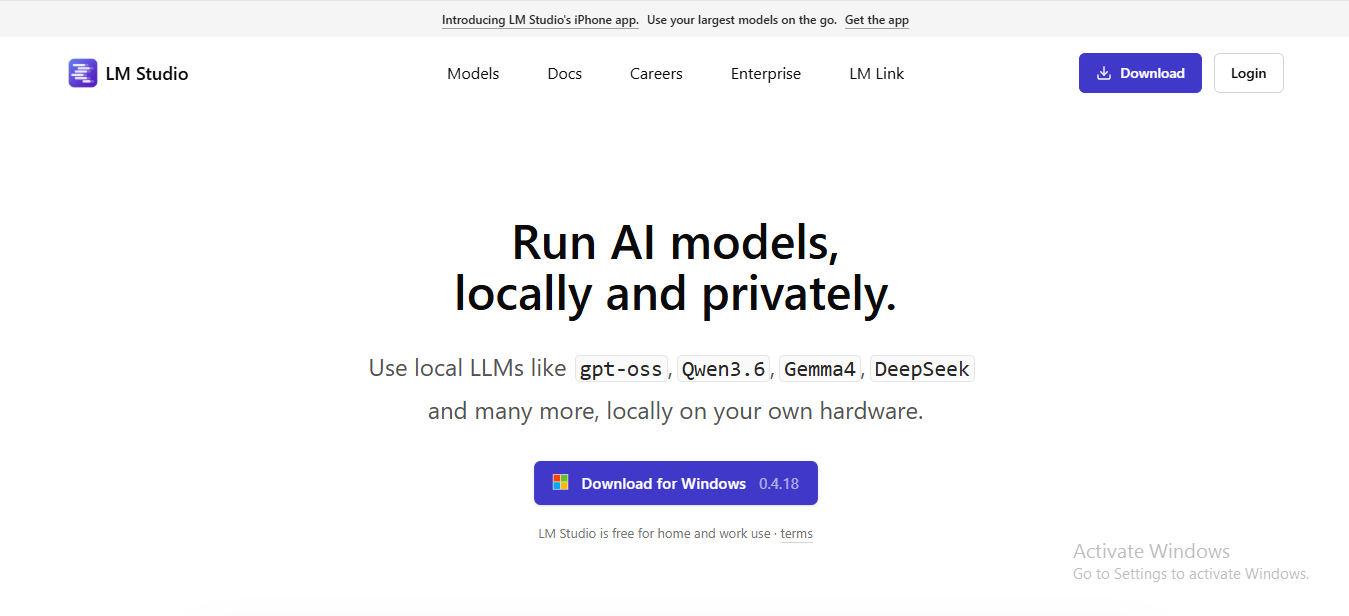
LM is a top desktop application with a graphical interface. You can browse models, download them, remove refusal weights, and chat with them all using a point-and-click interface.
Once you launch LM Studio, it will present a long list of LLMs that you can download and test. You can also filter models to select those that support NSFW content. The tool is available for macOS and Windows.
Key Features:
LM Studio is best for users who want to generate uncensored graphical content.
The tool allows you to customize model parameters and remove refusal weights.
Allows you to save prompts and chats for later conversations.
LM Studio can check your computer specifications and recommend compatible models.
It permits setting up a local HTTP server.
A Step-by-Step Process of Starting an Open-Source NSFW LLM
Now that we have learned about the required hardware and the two most useful tools, let’s learn the step-by-step process of starting the local LLM setup.
Step One: Check Your Hardware
Examine your hardware components under the heading above and ensure that your GPU VRAM meets the minimum recommended size of 8GB. Also, ensure that RAM is available (16GB+) and storage space (10–40GB per model).
Step Two: Install Ollama or LM Studio
Read online reviews and consumer feedback, and decide which tool you want to use.
Ollama: Download from ollama.com, install, and run as a background service.
LM Studio: download from lmstudio.ai and install as a desktop GUI application.
Step Three: Download a Suitable Uncensored Model
Ollama: Run ollama pull llama3. in your terminal
LM Studio: Click the Discover tab to search and download a model visually
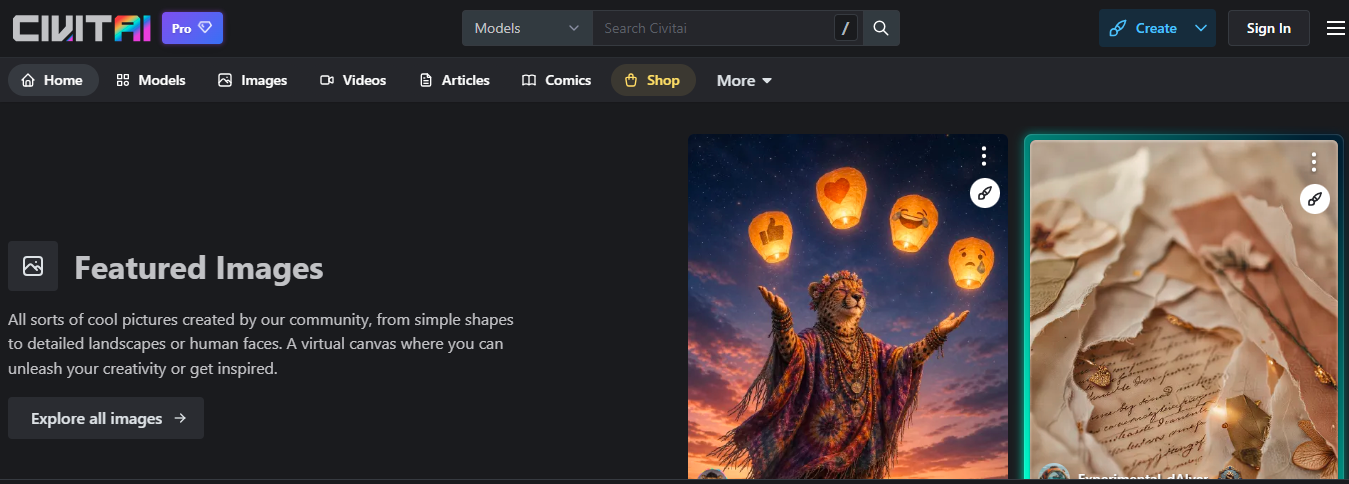
You can also navigate platforms like CivitAI, which hosts over 14,000 NSFW models. Simply download a Checkpoint or LoRa model and start generating NSFW content.
Also, you can check a number of the CivitAI NSFW Models here and pick one and use it on open source platforms.
Step Four: Place Models and Configure
Drop your selected models into the right folder and start chatting. If your selected model does not support NSFW content, you will have to apply ablitertion to remove the refusal weights. Once done, start configuring and create uncensored content.
P.S. How to Run an NSFW Open-Source LLM Model Locally?
Gone are the days when running an NSFW LLM locally was a niche technical project. In recent years, everything has become genuinely accessible for anyone with little to no technical knowledge. An uncensored LLM allows you to explore your fantasies and get into explicit relationships with a chatbot.
However, users must be aware of the potential drawbacks of an uncensored LLM. Also, you must ensure you do not use NSFW content for dangerous or harmful purposes, as it can result in serious legal risks.